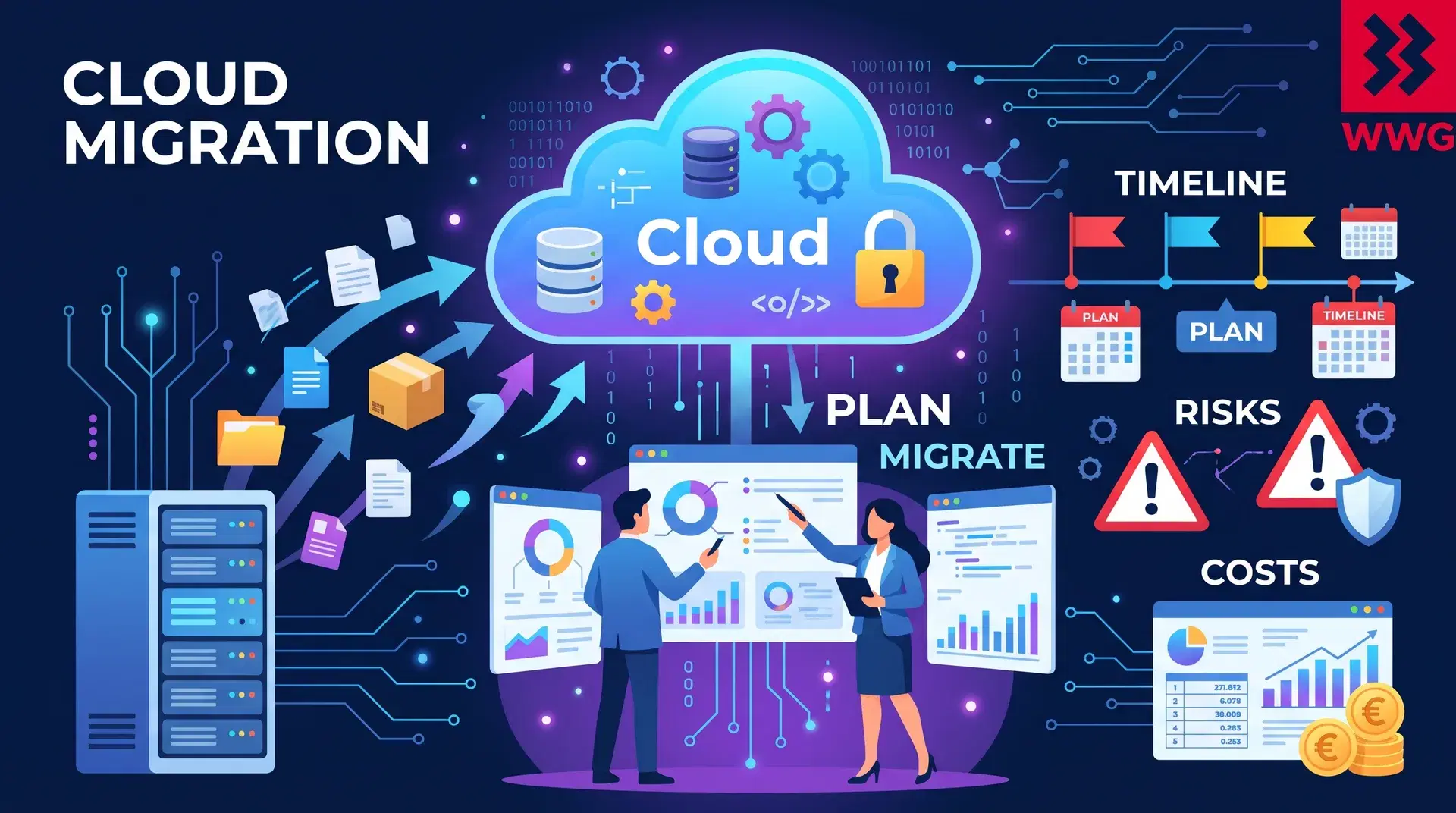
In brief. A cloud migration has two price tags: a one-off cost to move, and a running cost that replaces your server room. Most budgets get the second one wrong, because they price the servers you have today rather than the ones you will actually need. For a mid-sized company that moves mostly by lift and shift, a realistic plan is three to six months; once the ERP or custom software has to change on the way, six to eighteen months is more honest. The risks that stop projects are rarely technical in the narrow sense: forgotten dependencies, licences that do not move, a bill nobody owns, and nobody named to run the new environment. This guide covers the costs, the timeline and the risks. For the choice of strategy per application (the "6 Rs") and the phase-by-phase checklist, see our cloud migration strategy guide.
Where Italian companies actually are
Italian companies already use the cloud more than most of Europe. According to Eurostat, 75.6% of Italian enterprises with ten or more employees bought cloud computing services in 2025, against an EU average of 52.7%. The detail tells a different story. Most of that use is e-mail, office software and file storage: among small Italian enterprises, 72.5% buy e-mail as a cloud service. Only 14.4% of Italian enterprises use cloud computing power to run their own software, and 17.5% use an ERP delivered as a cloud service.
So for most companies the question is not whether to "go to the cloud". E-mail is already there. The question is what to do with the systems that still run on servers in the office or in a local data centre: the ERP, the file and database servers, the custom applications that tie them together. That is where the cost, the time and the risk sit.
What a cloud migration costs
The cost has two parts, and they behave differently.
One-off costs are spent once, during the project:
- Assessment. An inventory of servers, applications, data volumes and dependencies, with real utilisation figures. Without it, every later estimate is a guess.
- Landing zone. Accounts, network, identity and access, backup, logging and monitoring, set up before the first workload moves.
- Migration work. Moving each system, which costs very different amounts depending on the strategy: rehosting a virtual machine is cheap, replatforming a database costs more, refactoring an application is a software project of its own.
- Double running. For a period you pay for the old environment and the new one at the same time. Plan it explicitly; it is often the line that pushes a project over budget.
- Testing and cutover. Functional tests, performance tests, a rehearsed cutover and a rollback plan.
- Training. The people who run the systems need to know the new environment before go-live, not after.
Running costs start when the first system goes live and never stop:
- compute, storage and backup, billed by use;
- data transfer out of the cloud (egress), which appears whenever users, partners or other systems pull data from it;
- software licences, which may cost differently in the cloud than on your own hardware;
- managed services, support plans, monitoring and security tooling;
- the people, internal or external, who operate the environment and watch the bill.
How to estimate the running cost
Start from measured utilisation, not from the specifications of the current servers. On-premise machines are usually sized for peak load and for five years of growth, and a cloud estimate that copies them pays for idle capacity every month. Use the providers' own calculators (AWS, Azure, Google Cloud) with real CPU, memory and storage figures, and add egress and backup separately, because they are the items most often left out.
Commitment discounts change the picture once workloads are stable. AWS, for example, states that Savings Plans cost up to 72% less than on-demand prices in exchange for a one- or three-year commitment. Buy them after the first months in the cloud, when you know what you actually use, not on day one.
Waste is the other half of the estimate. In Flexera's 2026 State of the Cloud Report, based on a survey of more than 750 cloud decision-makers and users, respondents estimated that 29% of their cloud spend was wasted, the first increase in five years, and 85% named managing cloud spend as a top challenge. A cloud budget needs an owner from the first month, someone who reviews the bill, switches off what is idle and right-sizes what is oversized. That discipline is usually called FinOps.
Cost items at a glance
| Item | One-off or running | What drives it | Often underestimated because |
|---|---|---|---|
| Assessment and inventory | One-off | Number of systems and how well they are documented | Undocumented dependencies only appear when you look |
| Landing zone | One-off | Security, network and compliance requirements | It is invisible to users, so it gets cut |
| Migration work | One-off | Strategy per system: rehost, replatform, refactor | Refactoring is priced as if it were rehosting |
| Double running | One-off | How long old and new environments overlap | Cutover dates slip, the old contract keeps running |
| Compute and storage | Running | Real utilisation, commitment discounts | Servers are copied at today's size |
| Egress | Running | Data leaving the cloud to users and other systems | Not visible until the first bills |
| Licences | Running | Vendor terms for cloud deployment | Assumed to move as they are |
| Operations and FinOps | Running | Who runs and optimises the environment | Assumed to be "included" in the cloud |
How long a cloud migration takes
Timelines depend on the number of systems, the strategy for each one and how much the business can change at the same time. The ranges below are planning ranges we use as a starting point for a mid-sized company with tens of servers and one core business system. They are not a benchmark, and the assessment exists to replace them with your own numbers.
| Phase | What happens | Typical planning range |
|---|---|---|
| Assessment | Inventory, utilisation data, dependencies, strategy per system, business case | 2 to 6 weeks |
| Landing zone | Accounts, network, identity, backup, logging, cost controls | 2 to 4 weeks |
| Pilot | One low-risk workload moved end to end, including cutover and rollback test | 2 to 4 weeks |
| Migration waves | Systems moved in groups that share dependencies; simplest first | 1 to 6 months, longer if refactoring |
| Stabilise and decommission | Parallel run ends, old servers and contracts are switched off, costs optimised | 1 to 3 months |
Put together: a migration that is mostly rehosting can be done in three to six months. When the ERP has to move to a new version, a database changes engine or a custom application is re-architected on the way, six to eighteen months is a more honest plan. AWS's own guidance for large migrations recommends rehosting, relocating or replatforming first and modernising afterwards, because refactoring during the migration is the most complex and costly strategy.
Three things stretch timelines more than technology does: business calendars (nobody moves an ERP during the year-end close), vendor lead times for licences and support contracts, and people who are needed for the migration while still running daily operations.
The risks to plan for
- Hidden dependencies. A report that reads the ERP database directly, a scanner that writes to a network share, a nightly script on a forgotten server. Each one breaks on cutover day if nobody found it. The assessment should map connections from network data, not only from documentation.
- Cost surprises. Egress, oversized machines and resources nobody switched off. Set budgets and alerts in the landing zone, before the first workload moves.
- Licences that do not move. Some software is licensed per physical server or per core, and the vendor's terms for cloud deployment may differ. Check every licence before choosing the strategy for that system; it can turn a rehost into a repurchase.
- Downtime at cutover. Plan the cutover window with the business, rehearse it in the pilot, and keep a tested rollback path until the new environment has run a full business cycle.
- Data location and security obligations. All three major providers have regions in Italy: AWS in Milan since 2020, Google Cloud in Milan and Turin, and Microsoft Azure's Italy North region in Milan. A local region keeps data in the country, but it does not settle GDPR or security duties on its own. If your company falls under NIS2, the cloud provider becomes a supplier you have to assess, as explained in our guide to NIS2 and legacy software.
- Lock-in and exit. Using a provider's managed services saves work and makes leaving harder. The EU Data Act limits one part of this risk: since 11 January 2024 providers may charge only reduced switching charges, capped at their direct costs, and from 12 January 2027 they may not charge for switching at all, including data egress for the switch. Normal egress during operations is still billed. AWS, for its part, has waived data transfer charges for customers moving their data out of AWS since March 2024. Keep an exit plan anyway: data export formats, infrastructure as code and documentation.
- Nobody owns the result. After go-live someone has to patch, back up, monitor and optimise. If that responsibility is not assigned before the migration starts, the new environment drifts back into the state of the old one, only with a monthly bill. The same goes for systems that should not reach the cloud at all: for those, our guide to modernising legacy applications helps decide.
An example: a 60-person distributor
Take a hypothetical company (not a WWG client) with 60 employees that distributes spare parts. It runs an ERP on two servers in the office, a file server, a SQL Server database behind a custom order portal used by 300 dealers, and a handful of scripts that move data between them. E-mail is already in the cloud.
The assessment sorts the systems before anyone discusses providers. The file server is replaced by the cloud file storage the company already pays for with its e-mail (repurchase). The ERP vendor offers a hosted version of the same product, so the ERP moves to the vendor's cloud at the next version upgrade, outside the year-end close (repurchase, timed to the business calendar). The order portal and its database move to the cloud as they are (rehost), with the database switched to a managed service a few months later (replatform). Two of the scripts turn out to feed reports nobody reads, and are switched off (retire).
The plan: one month of assessment and landing zone, a pilot with the order portal's test environment, the file server and portal in the first wave, the ERP in the second wave timed to its upgrade. Around six months in total, with two months of double running budgeted for the ERP. The largest risk identified is not technical: the dealers' integration with the portal, which needs their IT contacts available on the cutover weekend.
Sources
All sources were opened and read on 12 November 2026.
- Eurostat, isoc_cicce_use (updated 27 February 2026): enterprises buying cloud computing services by size class and type of service, Italy and EU, 2025. ec.europa.eu/eurostat
- Flexera, 2026 State of the Cloud Report press release, 18 March 2026: wasted cloud spend 29%, managing cloud spend a top challenge for 85%, survey of more than 750 respondents. flexera.com
- Regulation (EU) 2023/2854 (Data Act), Article 29: gradual withdrawal of switching charges. eur-lex.europa.eu
- European Commission, Data Act explained: switching charges including data egress removed from 12 January 2027; the Act applies since 12 September 2025. digital-strategy.ec.europa.eu
- AWS Prescriptive Guidance, migration strategies for large migrations: the 7 Rs and the recommendation to modernise after migrating. docs.aws.amazon.com
- AWS News Blog, "Free data transfer out to internet when moving out of AWS", 5 March 2024. aws.amazon.com
- AWS, Savings Plans: up to 72% savings compared to on-demand prices. aws.amazon.com
- Werner Vogels, "Reaffirming our commitment to Italy: Introducing the AWS Europe (Milan) Region", April 2020. allthingsdistributed.com
- Google Cloud, regions and zones: europe-west8 (Milan) and europe-west12 (Turin). docs.cloud.google.com
- Microsoft Learn, list of Azure regions: Italy North, Milan, three availability zones. learn.microsoft.com
FAQ
Frequently asked questions
Short answers on what a cloud migration costs, how long it takes, the main risks and whether you can leave a provider later.