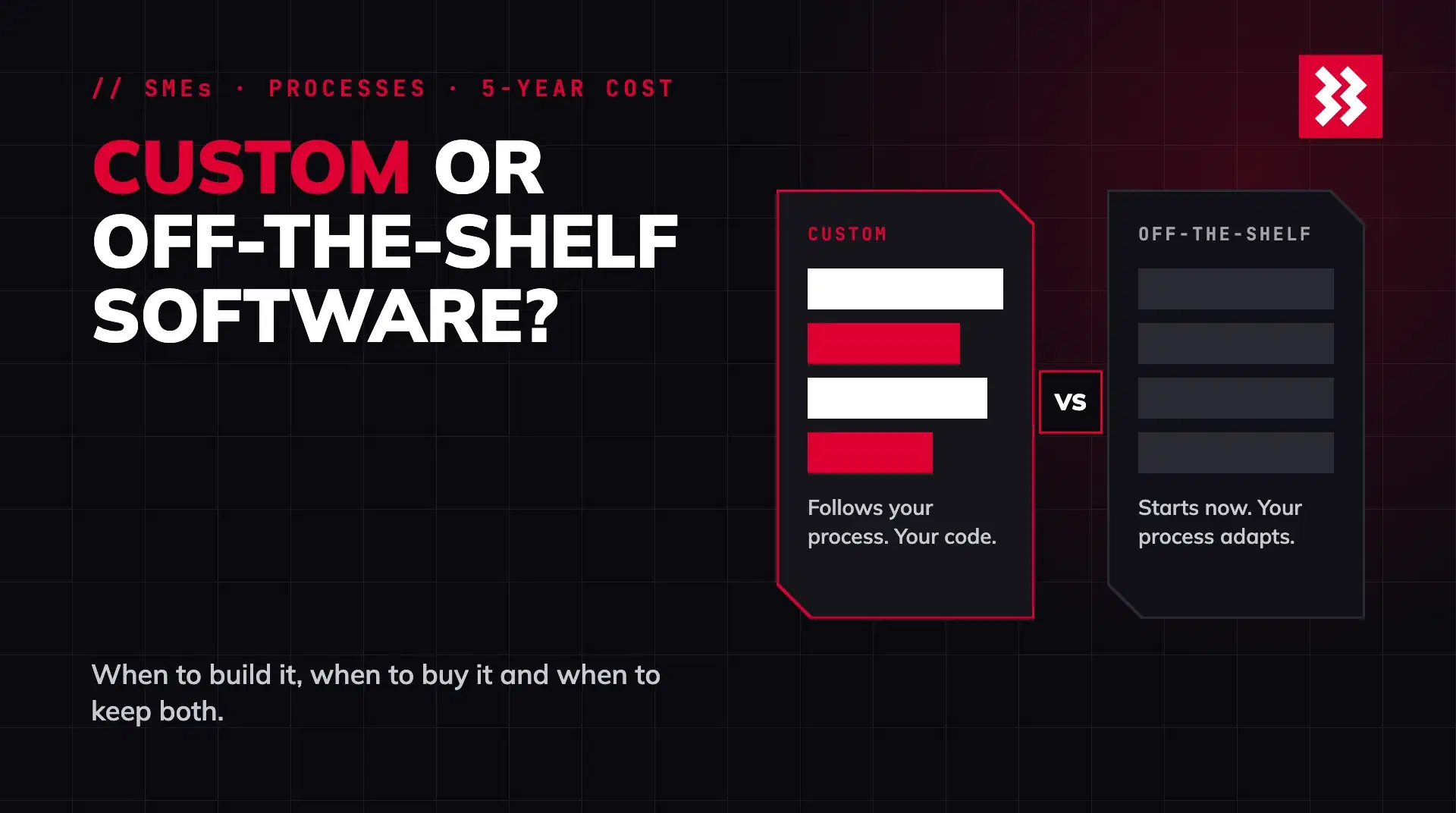
In short. Custom vs off-the-shelf software is rarely an all-or-nothing choice. For accounting, e-invoicing and payroll an off-the-shelf product is almost always right: it is cheap, it follows regulatory changes for you, and it does not set you apart from competitors anyway. Custom software development pays off when the process you need to run is how your company actually competes, when you must connect systems no product links together, and when licences and customisations cost more than the problems they solve. In between sit customising the ERP you already have, and Excel, which holds up while volumes stay low. For many small and mid-sized companies the best answer is hybrid: a ready-made product for the books, custom software for the core process. This guide covers the criteria, a five-year cost structure, the risks of each path and a practical way to decide.
Where Italian SMEs start from
According to ISTAT's ICT in Enterprises 2025 survey, published on 15 December 2025, 56.0% of Italian enterprises with at least 10 employees used management software in 2025, about 7 points more than in 2023. The size gap is still wide. ERP is used by 48.8% of SMEs and 85.9% of large enterprises. CRM by 21.1% of SMEs and 56.5% of large ones.
Put simply, roughly half of Italian SMEs with 10 or more employees run without an ERP, and many handle orders, jobs or stock in spreadsheets and tools that do not talk to each other. The question is not whether to digitise, but which way.
The four paths
1. Stay on Excel. Shared spreadsheets, usually alongside email and an invoicing tool. Almost no upfront cost, complete flexibility, no control over who changes what.
2. Off-the-shelf software, licensed or SaaS. A standard product you configure. The vendor builds, updates and hosts it. You fit your process to the product, within the options it offers.
3. Customise your existing ERP. Extra modules, fields, reports and code inside your ERP, delivered by the partner that runs it. Data stays in one system, but every customisation has to survive every ERP upgrade.
4. Custom software. An application built around your process that reads and writes data in your other systems. You own the code. The cost is the initial project plus maintenance in the years that follow.
Four paths, seven criteria
| Criterion | Excel | Off-the-shelf (licence or SaaS) | ERP customisation | Custom software |
|---|---|---|---|---|
| Process fit | Complete, as long as whoever fills in the files keeps up | The process adapts to the product | Within the ERP's technical and contractual limits | The software follows the process written into the scope |
| Integrations | None: data is retyped by hand | Only the connectors the vendor provides | Native with the ERP, harder towards other systems | Designed around ERP, CRM, warehouse and e-commerce |
| Upfront cost | Close to zero | Low: setup, data migration, training | Medium: ERP partner days | Highest: analysis, development, testing, migration |
| Running cost | People's time and errors | Per-user or per-module fees that grow with you | Maintaining customisations through each upgrade | Maintenance, hosting, enhancements |
| Time to start | Immediate | Fast for standard features | Depends on the ERP partner's backlog | Two to three months for a basic web application, six months or more with ERP or CRM integrations |
| Ownership and lock-in | Your files, logic in the head of whoever built them | Vendor's product, your data to export | Tied to the ERP and its partner | Code, documentation and access are yours |
| Main risk | Silent errors and reliance on one person | The product misses the process that matters | ERP upgrades breaking customisations | Poorly defined scope and the wrong supplier |
The custom software timelines are the reference figures WWG publishes for its own projects. The real duration is fixed in requirements analysis, on the actual scope.
Process fit: the deciding question
Take the process that costs you the most time or the most errors. Then ask: is this process the same as everyone else's, or is it how you stand apart?
An Italian SME keeps its books under the same rules as any other. E-invoicing too: since 1 January 2019, according to the Agenzia delle Entrate, invoices between parties resident or established in Italy can only be electronic and go through the Sistema di Interscambio (SdI). On processes like these an off-the-shelf product wins: the vendor tracks the rules for you.
It is different when the process is yours: how you configure a product for a customer, how you plan jobs, how you coordinate people in the field. Here a standard product forces one of two compromises: change the way you work, or keep a spreadsheet next to the system. The second is the most common sign that the product is not enough.
Integrations: where hidden costs live
Business software never runs alone. Orders, items, prices, stock and customers move between ERP, e-commerce, CRM, warehouse and accounting. Every manual hand-off costs time and lets errors in.
An off-the-shelf product integrates well with what the vendor planned for. Everything else needs third-party connectors, periodic exports or copying by hand. Custom software designs the data flows from the start, through APIs or whatever each system allows.
Two examples from our own work. At COLMAR, stores used to be entered by hand into an Excel file. The store locator now reads them from the ERP, saving 320 hours a year and avoiding more than 20 million API calls. For Selleria Tombini we coded more than 30,000 items and linked the warehouse software to the online catalogue.
Five-year total cost: what to count
Comparing a SaaS subscription with a custom project quote is a mistake. One is a single year's cost, the other covers initial development. Compare total cost of ownership over a realistic horizon, say five years. The table lists the cost items without figures, because the figures depend on your scope.
| Cost item | Excel | Off-the-shelf | ERP customisation | Custom software |
|---|---|---|---|---|
| Start-up | Close to zero | Setup, data migration, training | ERP partner analysis and development | Analysis, design, development, testing, data migration |
| Licences and fees | Office licences | Per-user, per-module or usage fees for 5 years | Existing ERP licences, plus any new modules | Third-party licences, if used |
| Infrastructure | None dedicated | Included in the fee | The ERP's own | Hosting and cloud services |
| Maintenance | Whoever fixes the formulas | Included for the standard product | Reworking customisations at each upgrade | Fixes, security updates, enhancements |
| Integrations | Manual copying | Connectors, often paid, and their upkeep | Development towards external systems | Built into the project, to be maintained |
| People's time | The largest cost: double entry and checks | Adapting to the product, workarounds | Managing the partner | Taking part in analysis and testing |
| Exit cost | Low | Data export, migration, possible penalties | High: logic sits inside the ERP | Low if code and documentation are yours |
Two rules help when reading the numbers. First, fees grow with users and modules, so project them on the headcount you will have in five years, not today's. Second, people's time is a real cost even when no invoice arrives. If a spreadsheet process takes half a day a week from one person, that time belongs in the calculation.
For orders of magnitude on custom projects, based on independent market data, see our guide to how much it costs to develop software.
Lock-in and data ownership
With off-the-shelf software the product stays the vendor's. They decide pricing, features and timing. The data is yours, but its structure is the product's. Before signing, check what a full export actually contains and in what format.
European law now helps on the contract side. The Data Act, EU Regulation 2023/2854, has applied since 12 September 2025. According to the European Commission, from 12 January 2027 it removes switching charges entirely, including data egress charges; until then providers may still charge the costs they incur for switching. According to law firm DLA Piper, a provider cannot require more than two months' notice, and most SaaS providers fall under the rule. The law lowers contractual barriers. It does not make your data fit the next system: that part is still migration work.
With custom software, lock-in shifts to the development supplier. You handle it in the contract: source code, documentation and environment access must be yours, so you can hand maintenance to another team. If a proposal does not say so, ask before you sign.
Time to start
Excel is immediate, and off-the-shelf software is available at once for standard features: the time goes into configuration, data migration and training. Custom software takes months, because development starts after process analysis, with a roadmap and scope written and approved before the first line of code. Start with the process that costs the most manual work and add the others later.
The risks of each path
Excel. Errors stay invisible. Raymond Panko of the University of Hawaii collected audits of real business spreadsheets: in field audits from 1997 onwards, 91% of the 54 spreadsheets examined contained errors (Panko, 2000). The sample is small and the study is not recent, but the mechanism has not changed. Add reliance on the person who built the file.
Off-the-shelf. The product covers most of what you do and leaves out exactly the part that matters. Workarounds drift back into spreadsheets. The vendor can change prices, retire features or be acquired.
ERP customisation. Customisations pile up and every ERP upgrade becomes a project. You depend on one partner's availability.
Custom software. The biggest risk is a badly written scope: the software does what was written, not what was needed. The second is the supplier: if the code is not yours or not documented, you have only swapped one kind of lock-in for another. The third is leaving maintenance out of the budget.
The hybrid approach: off-the-shelf for the books, custom for the core
For many SMEs the choice is not either-or. Accounting and e-invoicing stay on a ready-made product. As an order of magnitude, the public price list of Fatture in Cloud, a widely used Italian invoicing service, checked on 26 November 2026, runs from 144 euros plus VAT a year for the Standard plan to 612 euros plus VAT a year for the Complete plan. Rebuilding those functions from scratch makes no economic sense.
The core process, the one that sets you apart, goes into custom software that reads and writes data in the other systems. We say the same on our own service page: for standard accounting and invoicing, an off-the-shelf product remains the right choice. For Recup we built a management system with an admin panel and KPI dashboard to coordinate 250 volunteers, a process no ready-made product covered.
Signs it is time to switch
- The same information is entered twice, in two different systems.
- Next to the main system sits a spreadsheet "everyone uses" for what the system cannot do.
- Only one person understands how the file or report works, and their holidays are a problem.
- Customers find the errors first: wrong orders, stock that does not add up, outdated prices.
- Subscription fees grow faster than the number of people who actually use the product.
- Every ERP upgrade breaks a customisation.
- Getting a reliable monthly figure takes a day of work.
One or two signs do not justify a new project. Three or more on the same process do.
How to decide in practice
- Map one process, not the whole company. Pick the one that costs the most time or errors. Write down who does what, with which data, in which systems.
- Separate the standard from the distinctive. Accounting, invoicing and payroll go on ready-made products. The rest deserves an assessment.
- Test two or three off-the-shelf products on the real process. Use your own data, not the vendor's demo. Note what is left out.
- Ask your ERP partner what customisation costs, including maintenance through each upgrade.
- Work out the five-year cost with the table above, including people's time.
- If custom is still in play, ask for requirements analysis with a written scope and a price fixed before development. Check that code, documentation and access remain yours.
Conclusion
There is no answer that fits every company. There is an answer for each process. For standard processes, pick a ready-made product and move on. For the process that sets you apart, compare the paths on five-year total cost, integrations and who owns the code and the data.
If custom software is still the right path after this analysis, our custom software development page explains how we work: process analysis before code, a price fixed on the agreed scope, a stable senior team with a named lead, and code, documentation and access handed to you.
Sources
All pages listed were consulted on 26 November 2026.
- ISTAT, Imprese e ICT, anno 2025, press release, 15 December 2025 (in Italian).
- Agenzia delle Entrate, Fatturazione elettronica, guide (in Italian).
- European Commission, Data Act explained.
- DLA Piper, Understanding switching and termination rights under the Data Act, 31 July 2025.
- Raymond R. Panko, Spreadsheet Errors: What We Know. What We Think We Can Do, Proceedings of the EuSpRIG Spreadsheet Risk Symposium, July 2000.
- Fatture in Cloud, Prezzi e versioni, public price list (in Italian).
- WWG, Custom Software Development and case studies COLMAR, Selleria Tombini and Recup.
FAQ
Frequently Asked Questions
Short answers on cost, timing, integrations and lock-in when choosing between custom software, off-the-shelf products, ERP customisation and Excel.